
Description:
Discord is designed with gamers in mind, offering a perfect platform for relaxing and gaming with friends or building gaming communities. Customize your space, invite friends, and enjoy chatting freely while playing your favorite games or engaging in casual conversations.
Group Chats, Endless Fun, More Games ∙ Discord is ideal for voice communication during gaming sessions or leisure activities with friends. You can even create and manage your own global communities on Discord. Customize your space, chat freely, and express yourself.
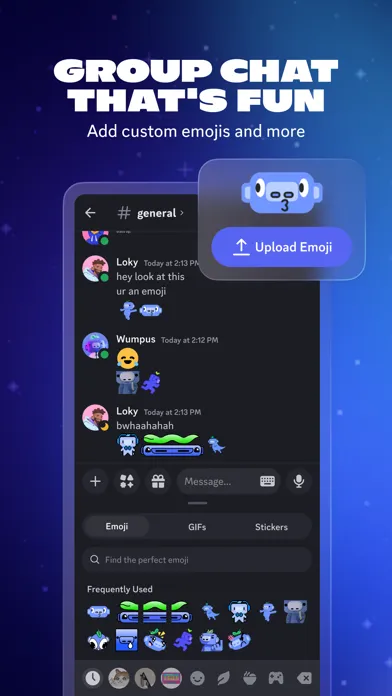
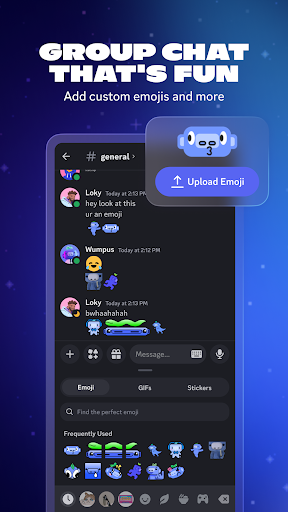
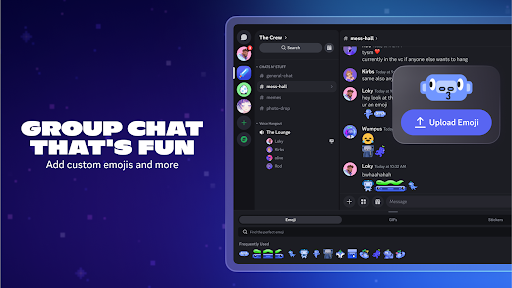
Group Chats, More Entertainment ∙ Enhance your voice, video, or text chats with custom emojis, stickers, and soundboards that reflect your personality. Personalize your profile with avatars and status updates according to your preferences.
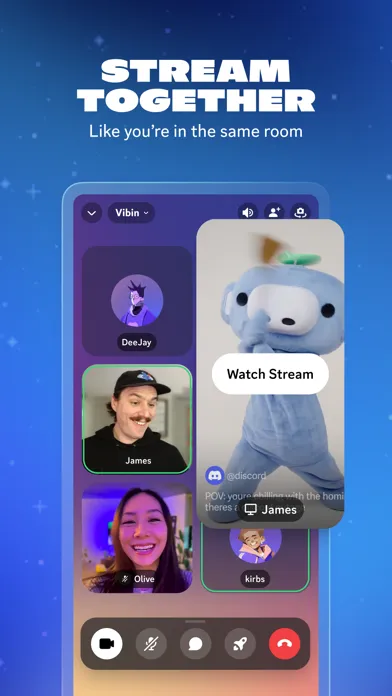
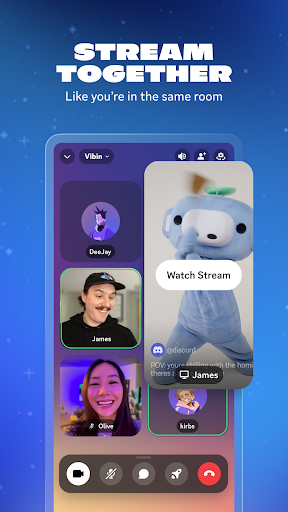
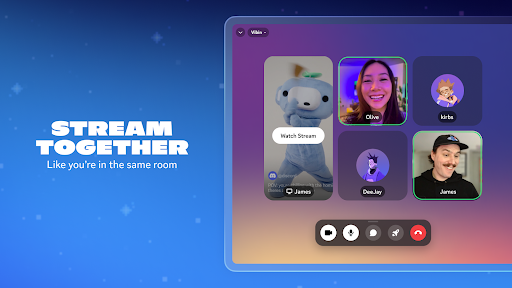
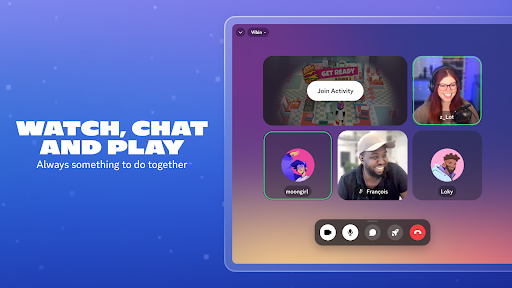
Seamless Live Streaming, Close Together ∙ Experience high-definition, seamless live streaming that makes you feel like your friends are right beside you. Whether playing games, binge-watching shows, sharing photos, or collaborating on work or study, Discord brings everyone closer.
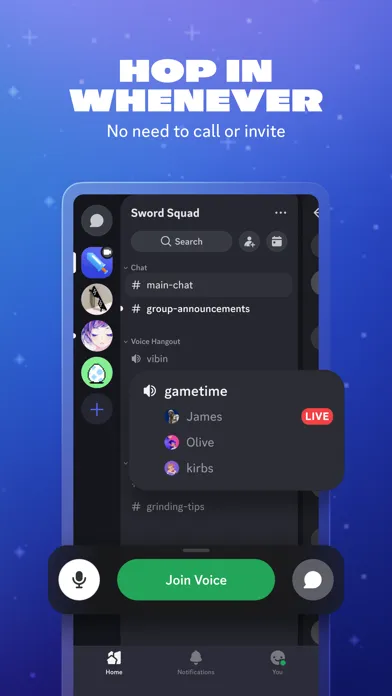
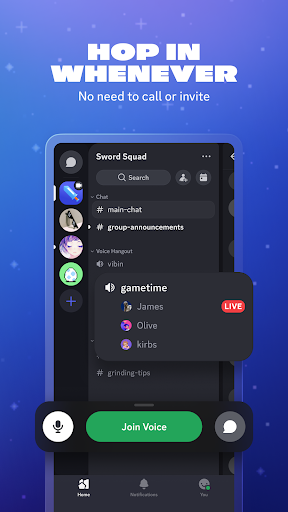
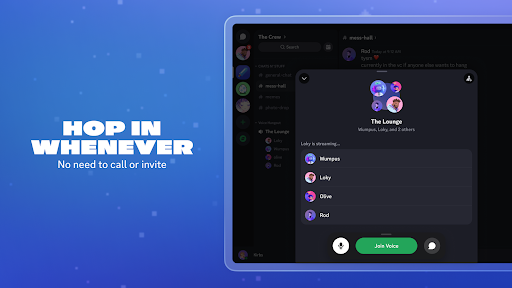
Break Free, Chat Anywhere ∙ Whether through voice or text chat, skip the hassle of calls or invitations and join or leave conversations at your convenience. From planning strategies before battles to celebrating victories afterward, chat with friends anytime, anywhere.
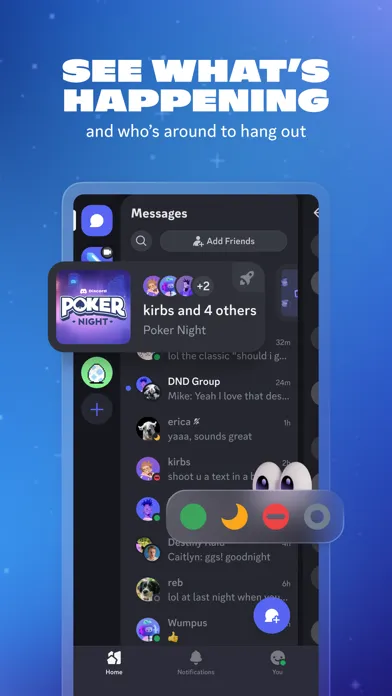
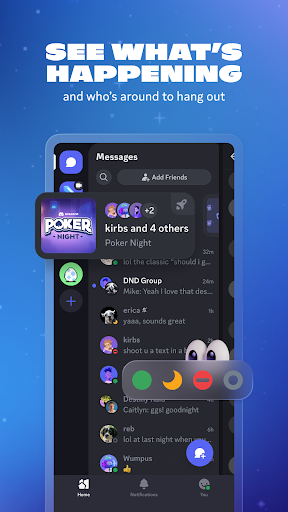
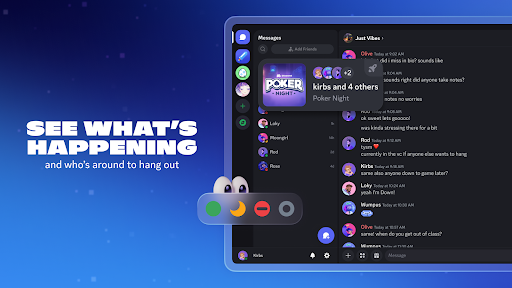
Friends' Activities at Your Fingertips ∙ Curious about who's online and what games they're playing? With Discord, you can see which games your friends are currently playing and join them directly.
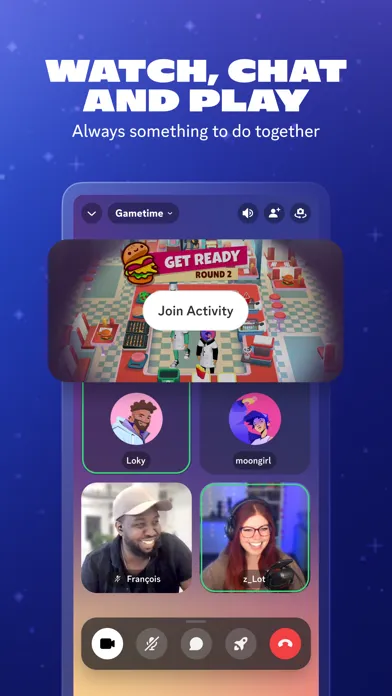
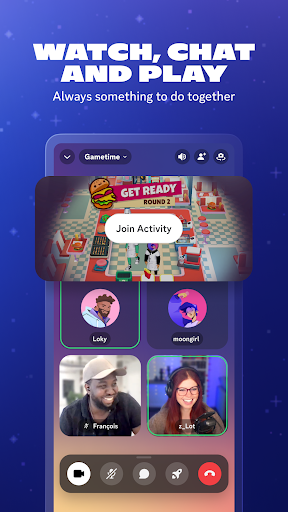
Leisure Entertainment, Long-Term Companionship ∙ Enjoy watching videos, playing built-in games, listening to music, and engaging in meme battles with everyone. Discord supports text, voice, video, and gaming all in one place with just one group.
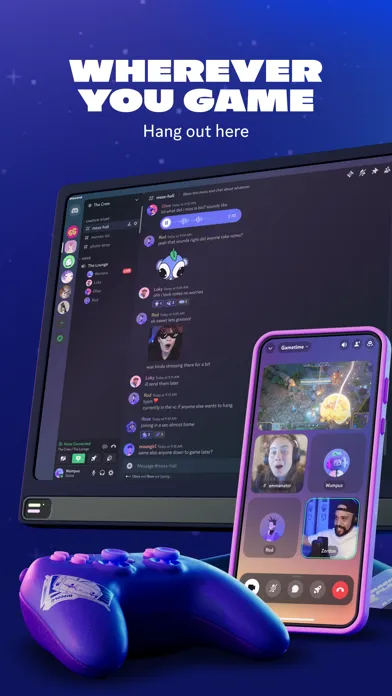
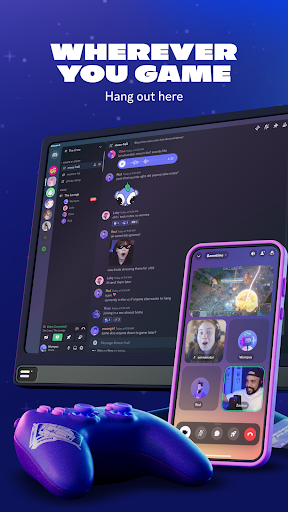
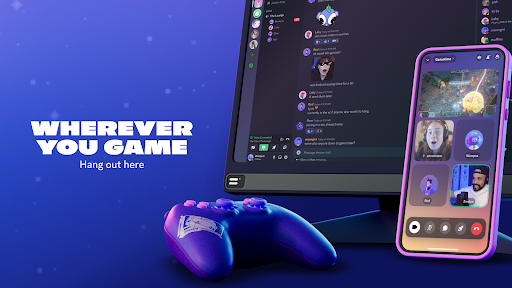
Anytime, Anywhere, Full Connectivity ∙ Whether on PC, mobile, or console platforms, Discord allows seamless communication with friends and easy management across multiple devices and groups."
Is this what you were looking for?