
















Description:
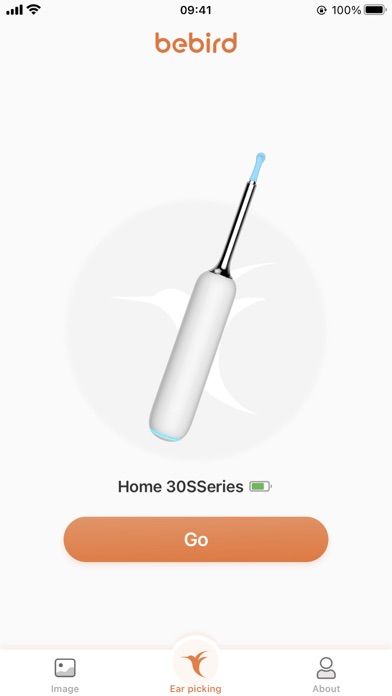
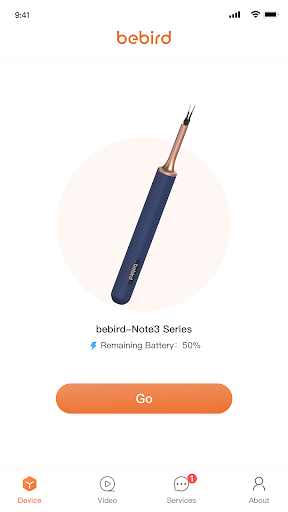
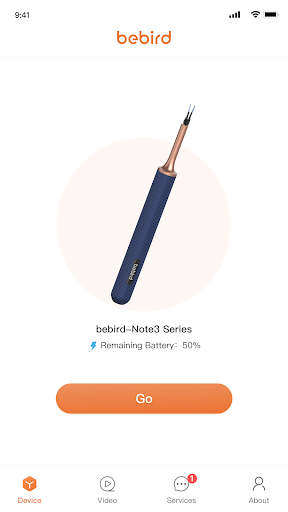
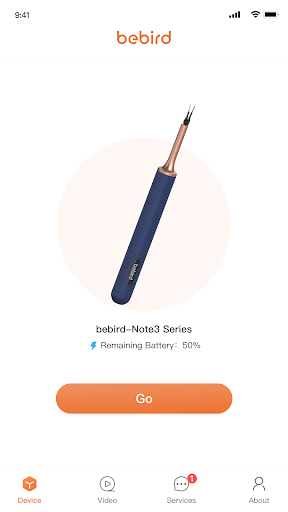
The BeBird Ear-Picking software is an innovative application designed to connect with BeBird ear-picking devices via WiFi, providing users with a safer and more efficient way to clean their ears. This cutting-edge software enhances the ear-picking process by enabling visual feedback, video recording, and photo capture, ensuring that users can monitor and document their ear-cleaning routine with precision.
Key Features:
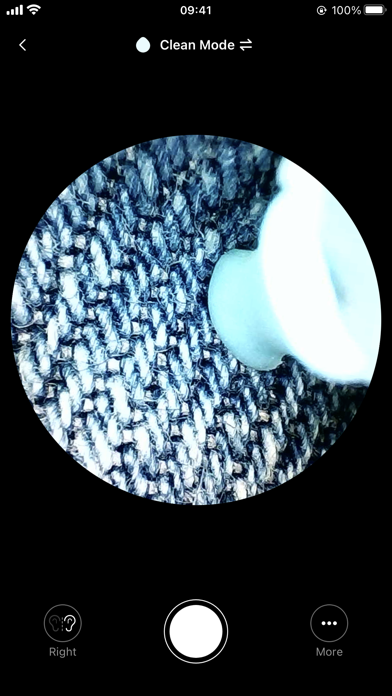
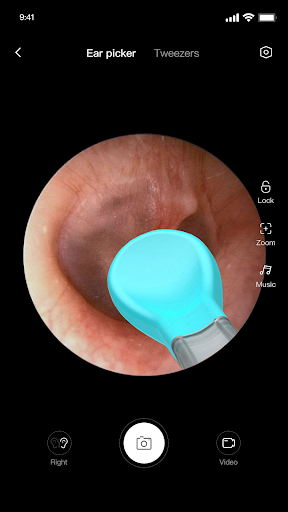
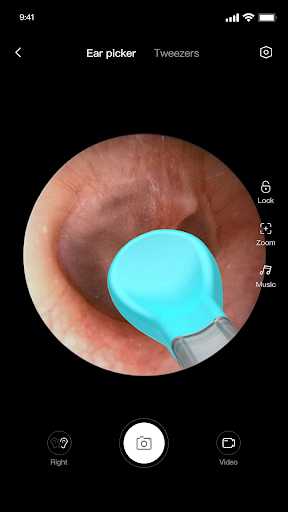
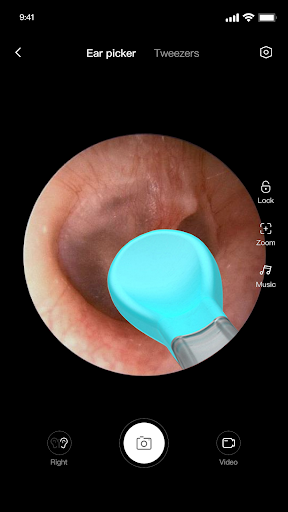
Visual Ear-Picking: The software allows users to see inside their ear canal in real-time via their smartphone, making the ear-picking process simpler and safer. The visual feedback helps in accurately identifying and removing earwax and other debris.
Video Recording: Users can record the entire ear-picking session and save the footage directly to their mobile device. This is particularly useful for documenting the process, reviewing it later, or sharing it with healthcare professionals for further consultation.
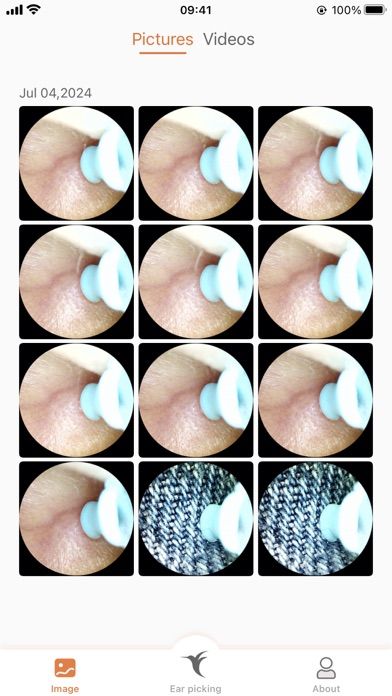
Photo Capture: The software supports high-resolution photo capture, allowing users to take clear and detailed images of the ear canal. This feature is valuable for identifying potential issues or abnormalities that may require medical attention.
Image Enlargement: During the preview, users can enlarge the images using gesture controls, providing a closer look at specific areas within the ear canal. This ensures that even the smallest details are not missed.
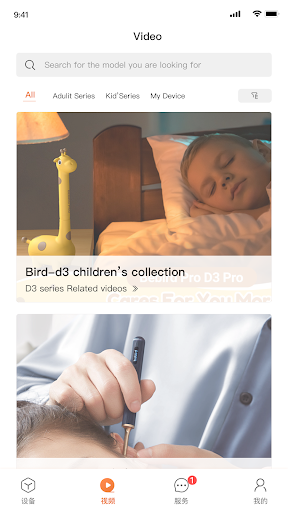
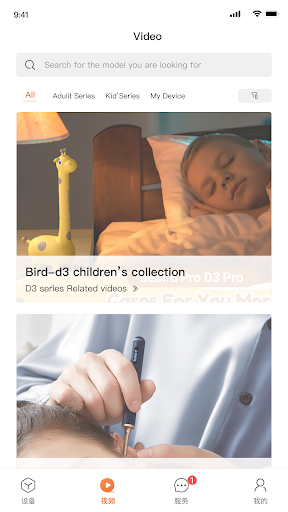
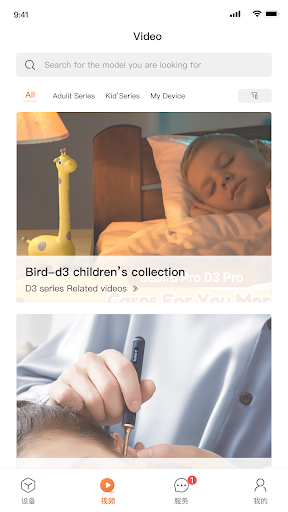
Video Playback: The recorded videos can be played back within the app, allowing users to review the ear-picking process and assess the effectiveness of the procedure.
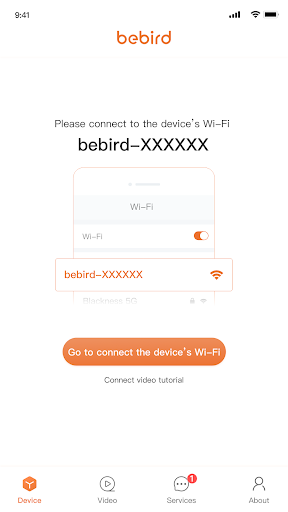
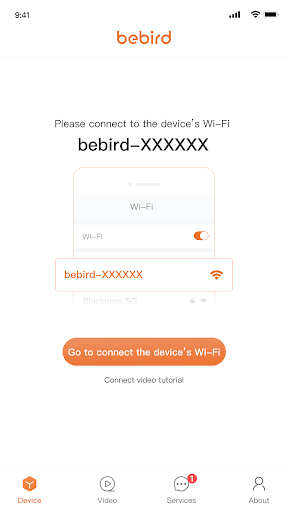
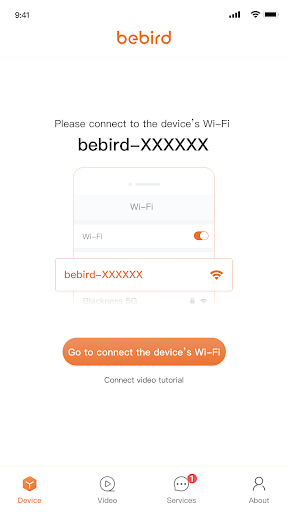
WiFi Connectivity: The software connects the BeBird ear-picking device to the user's smartphone via WiFi, facilitating a seamless and responsive user experience.
The BeBird Ear-Picking software is an essential tool for anyone looking to enhance the safety and effectiveness of their ear-cleaning routine. It combines advanced technology with user-friendly features to provide a comprehensive ear-picking solution.















