












Description:
Dexcom Clarity: Empower Your Diabetes Management
Stay on top of your diabetes management with Dexcom Clarity, the app designed to provide you with detailed insights and data from your Dexcom Continuous Glucose Monitoring (CGM) system. Whether you’re tracking trends, identifying patterns, or sharing reports with your healthcare provider, Dexcom Clarity helps you make informed decisions to better manage your blood glucose levels and overall health.
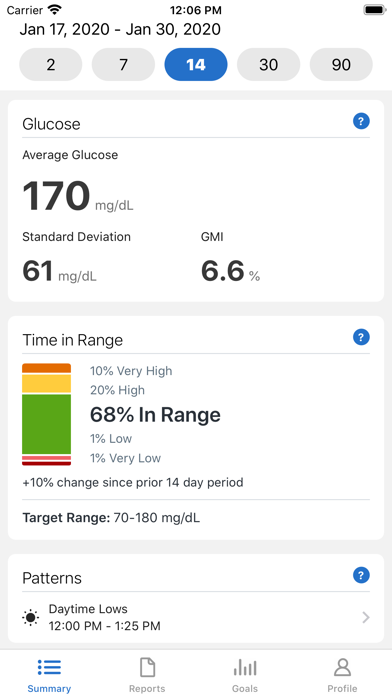
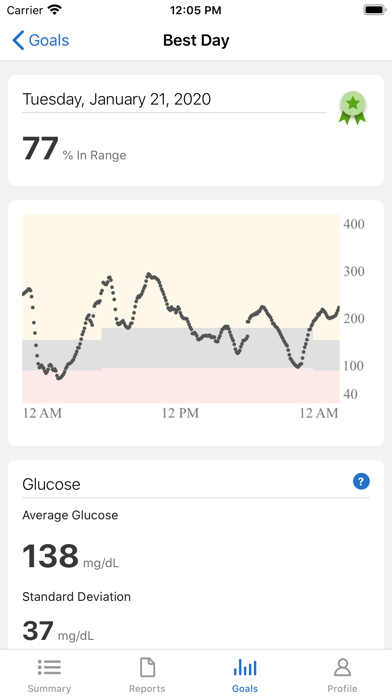
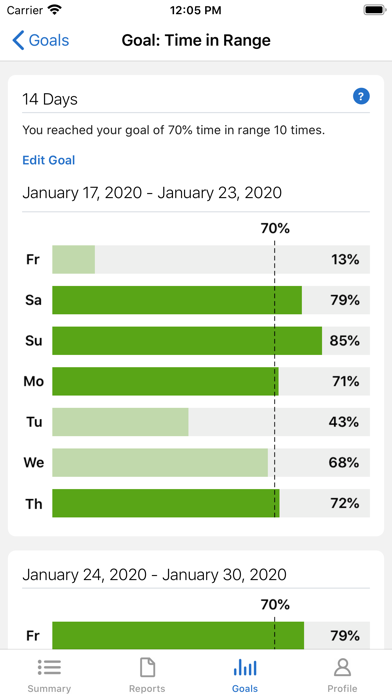
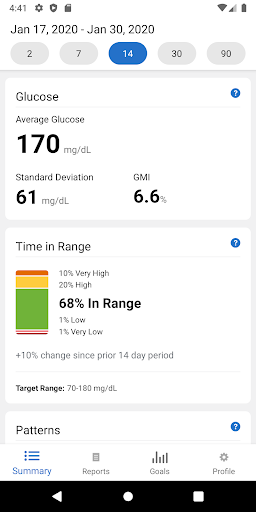
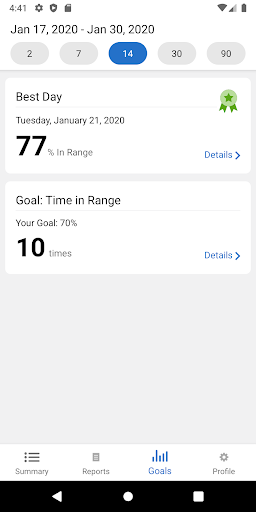
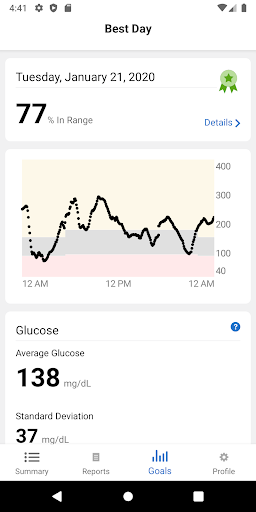
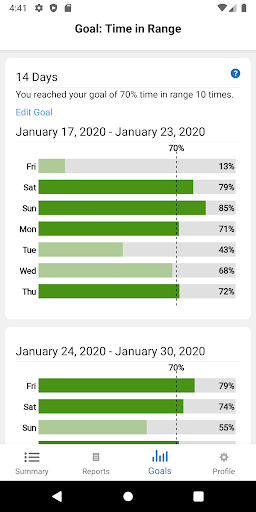
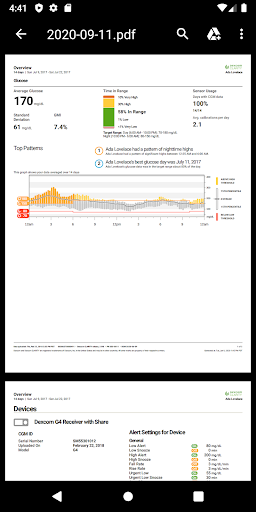
Detailed Glucose Insights: Access comprehensive reports that show your glucose trends, patterns, and statistics over time. Identify areas where your glucose levels are within or outside your target range, helping you make necessary adjustments to your diabetes management plan.
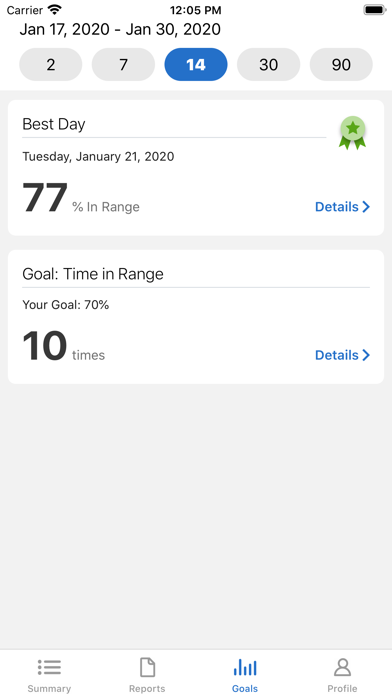
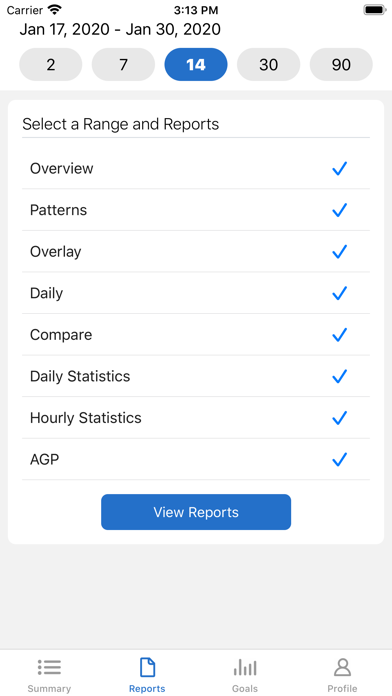
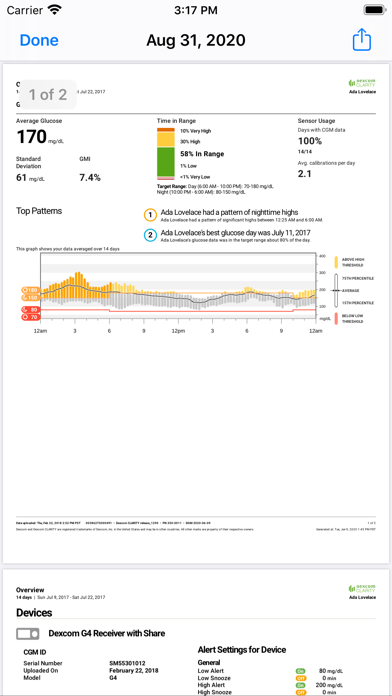
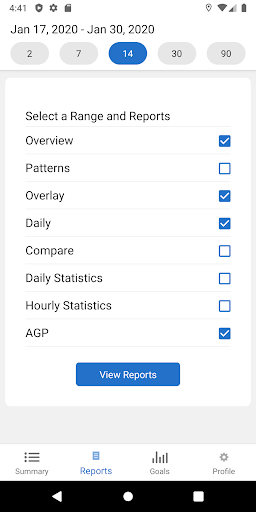
Customizable Reports: Generate personalized reports that provide a clear overview of your glucose data, including daily summaries, patterns, and time-in-range statistics. Share these reports with your healthcare provider directly from the app, ensuring you receive tailored advice and support.
Trend Analysis and Alerts: Track trends in your glucose levels to identify potential issues before they become problems. Receive alerts when your glucose levels are trending high or low, allowing you to take action to prevent complications.
Remote Monitoring and Sharing: Share your glucose data with your healthcare team in real-time, enabling them to monitor your condition and provide timely feedback. Allow loved ones or caregivers to view your glucose data, giving you an extra layer of support in managing your diabetes.
Integration with Dexcom CGM: Easily sync your Dexcom CGM device with the Dexcom Clarity app to automatically upload and store your glucose data. View real-time glucose readings alongside historical data for a comprehensive view of your glucose management.















