













Description:
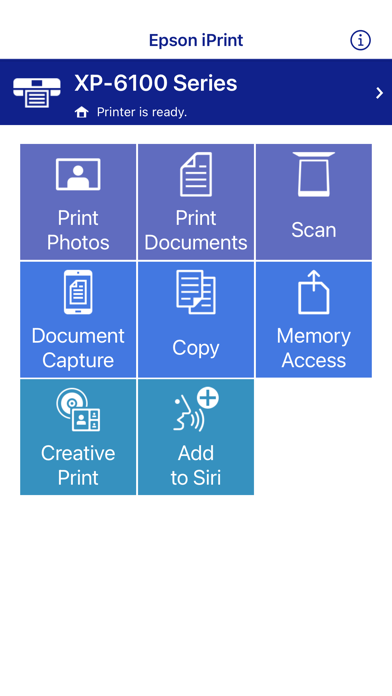
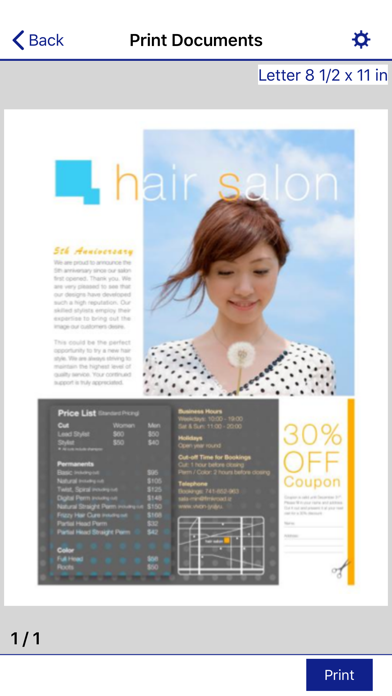
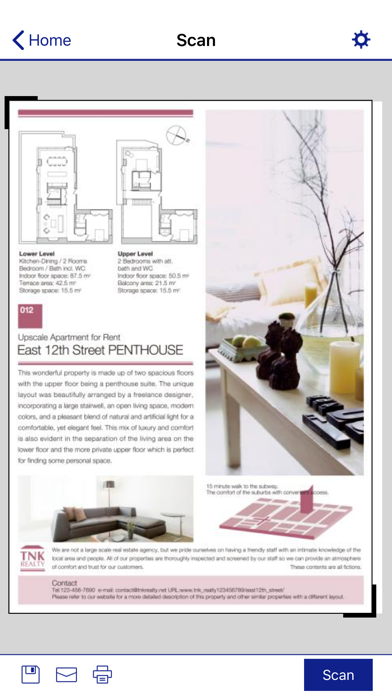
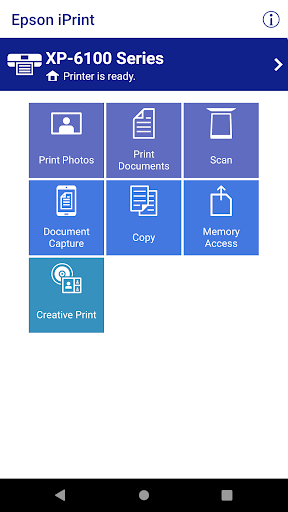
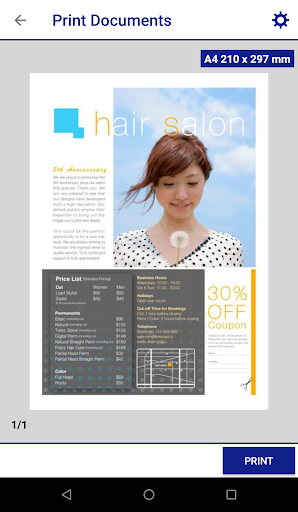
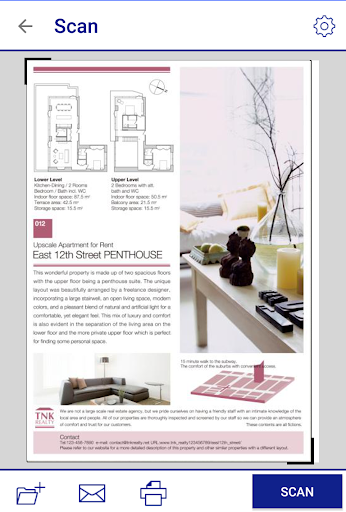
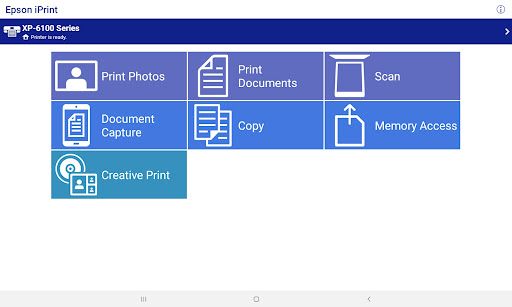
Epson iPrint is a versatile app that simplifies printing from your Android phone or tablet. It allows you to print photos, emails, webpages, Microsoft Word, Excel, PowerPoint, and PDF documents directly from your device. The app also supports printing files from cloud storage services like Box, Dropbox, Evernote, Google Drive, and Microsoft OneDrive. In addition to printing, Epson iPrint enables you to scan documents from your Epson all-in-one printer and easily share the scanned files.
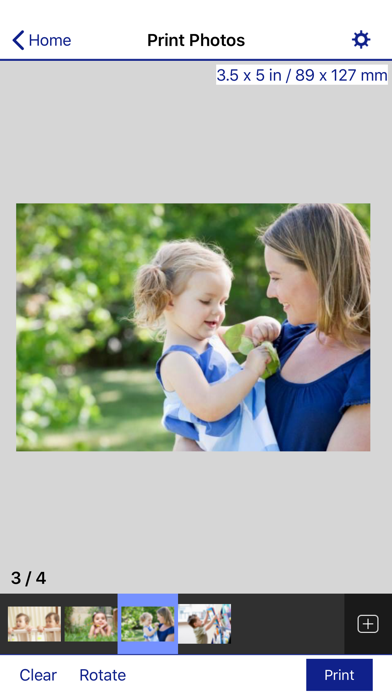
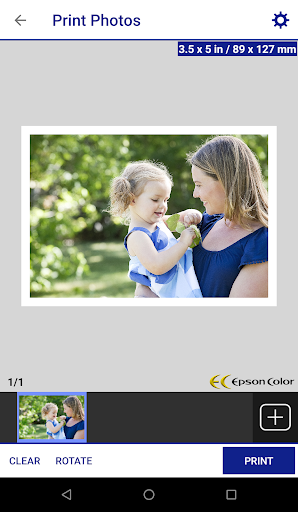
Epson iPrint offers advanced features to enhance your printing experience, including automatic backlight and color cast correction for high-quality photo prints. The app supports multiple photo printing and provides configurable print options to meet your specific needs. You can also purchase ink and supplies for your printer directly through the app, set up and register your printer with Epson Connect, and manage remote printers efficiently.
Compatible with a wide range of Epson printers, Epson iPrint ensures seamless printing and scanning. To use iPrint with a Wi-Fi Direct connection, the app requires access to your device's location services. This app is also compatible with Bluetooth, providing additional connectivity options for your printing tasks.
Key features include:
Versatile Printing: Print photos, emails, webpages, and various document types directly from your Android device. Cloud Integration: Access and print files from cloud services like Box, Dropbox, Evernote, Google Drive, and Microsoft OneDrive. Advanced Photo Printing: Automatic backlight and color cast correction for high-quality photo prints. Multi-Photo Printing: Print multiple photos at once with customizable options. Scan and Share: Scan documents from your Epson all-in-one and share the files easily. Ink and Supply Purchases: Buy ink and supplies for your printer directly from the app. Epson Connect Setup: Set up and register your printer with Epson Connect for remote printing management. Location and Bluetooth Compatibility: Works with Wi-Fi Direct and Bluetooth connections, with location services enabled for optimal functionality.















