













h5gamenova
TikTok Instagram Facebook CapCut - Video Editor YouTube Duolingo - Language Lessons Google Maps Netflix Disney+ Threads Telegram Messenger
Status, Sticker Saver

Status, Sticker Saver

★★★★☆ 4.5
Updated
Sep 2, 2024
Developer
Lazy Geniouz Pvt. Ltd. / Commit Infosoft
OS
IOS / Android
Category
Tools

What do you think of this app?

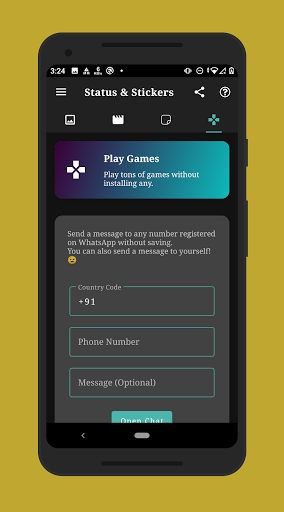
Status, Sticker Saver screenshot 1 Status, Sticker Saver screenshot 2 Status, Sticker Saver screenshot 3 Status, Sticker Saver screenshot 4 Status, Sticker Saver screenshot 5 Status, Sticker Saver screenshot 6 Status, Sticker Saver screenshot 7 Status, Sticker Saver screenshot 8 Status, Sticker Saver screenshot 9 Status, Sticker Saver screenshot 10 Status, Sticker Saver screenshot 11 Status, Sticker Saver screenshot 12 Status, Sticker Saver screenshot 13
Advertisement

Good App Guaranteed:This app passed the security test for virus, malware and other malicious attacks and doesn't contain any threats.

Description:

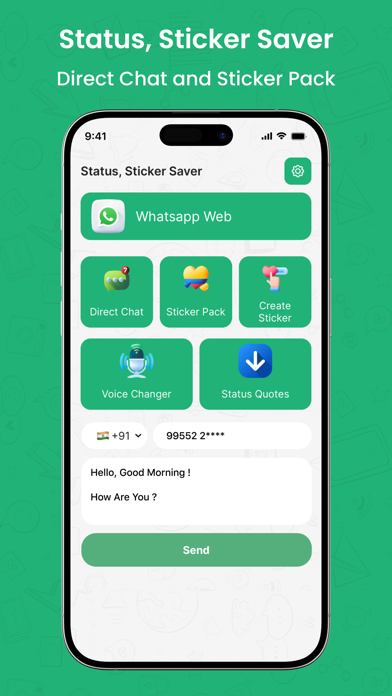
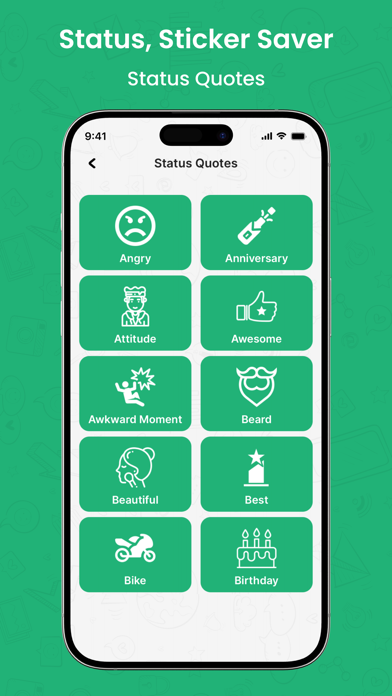
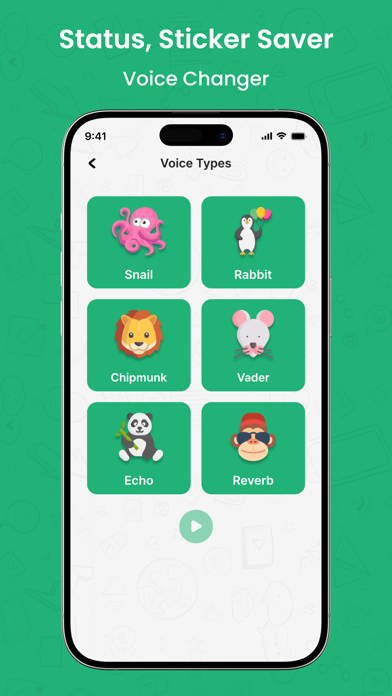
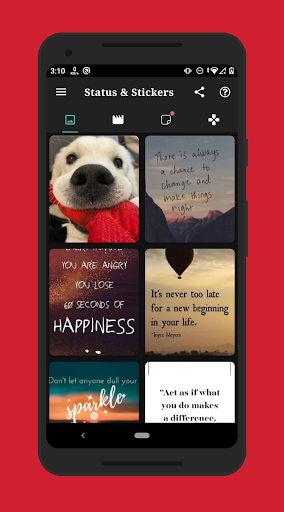
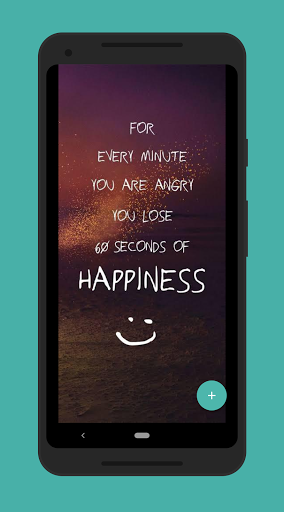
Loved a friend's status or sticker they shared? You’ve come to the right place! This app lets you view statuses from multiple apps and gives you access to thousands of incredible stickers, all at your fingertips.

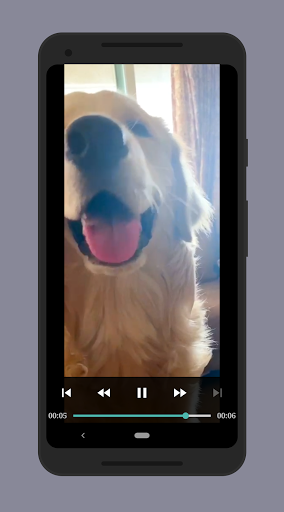
Key Features: Save, Delete, Repost, or Share Multiple Items with just a few taps. Repost Directly without needing to save first. Quick and Easy Saving of statuses and stickers. Built-in Image Viewer & Video Player for seamless viewing. Access to Hundreds of Thousands of Stickers for sharing on social media. Effortless Navigation to find what you need fast! Get ready to enjoy an endless collection of statuses and stickers with ease!

How to use:

  1. How to Use (Status)
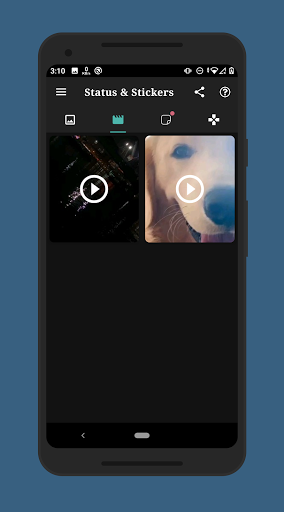
  2. View the Status/Story: First, check out the status or story you want to save.
  3. Open the App: Launch the app and click on any status you want to view. You can also use multi-selection to choose multiple statuses at once.
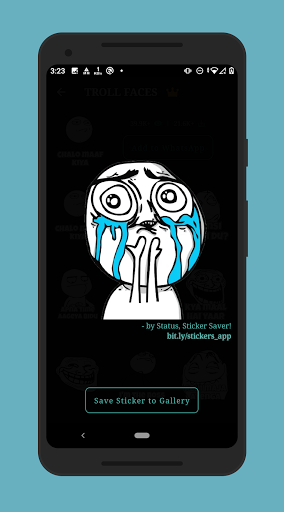
  4. Save the Status: Simply click the save button, and the status will be instantly saved to your gallery!
  5. How to Get the Amazing Stickers
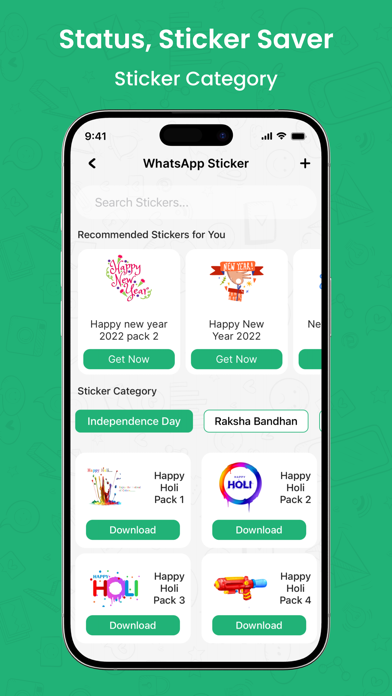
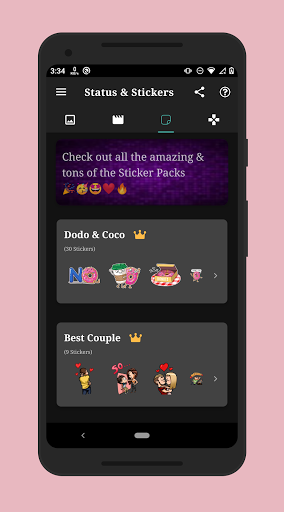
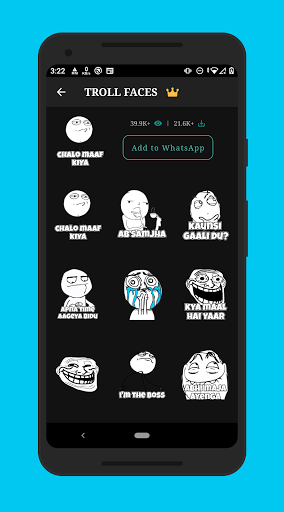
  6. Browse Stickers: Explore the vast collection of incredible stickers available in the app.
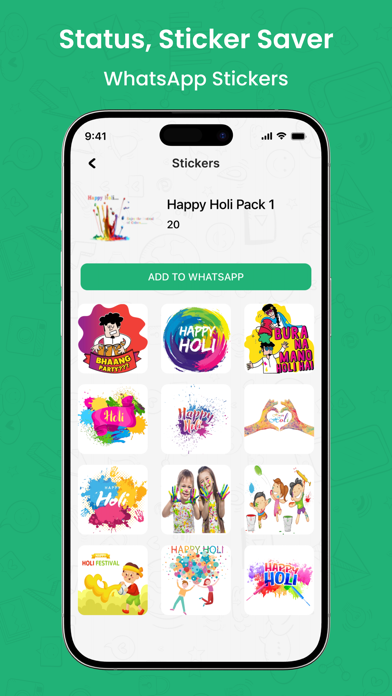
  7. Choose Your Favorite: Select the sticker you like by clicking on it.
  8. Add to Your Collection: Tap the "Add" button, and the sticker is ready for use!

Get the app

Leave a comment

Comments (0)

● iOS◆ Android
Version:
1.0
1.0
Size:
37.11MB
37.11MB
Price:
Free
Free
Released:
Sep 1, 2024
Sep 1, 2024
Updated:
Sep 2, 2024
Sep 2, 2024
Advertisement

Fun online games

Notion Evernote Microsoft Excel Microsoft PowerPoint Microsoft Word Google Drive Headspace Venmo Lyft Airbnb Starbucks Dropbox: Secure Cloud Storage LinkedIn Zelle Robinhood Orangetheory Fitness Booking















